Most people pick an ecommerce WordPress theme the same way they pick a phone case, by how it looks. Then six months in, they’re debugging a broken checkout or staring at a 1.2% conversion rate, wondering what went wrong.
Your theme isn’t just a coat of paint on your ecommerce store. It affects how fast your store loads, how products display on mobile, and whether customers trust the page enough to reach for their card. A bad theme doesn’t just annoy you; it costs you sales.
This guide covers 15 of the best ecommerce WordPress themes for 2026, free and paid. We’ll also walk through how actually to pick one, not just the prettiest option.
Why Your Theme Can Make or Break Your Store
Here’s something theme marketplaces won’t tell you: a slow theme can push bounce rates up by 30% or more. Not because the design offends anyone, but because people don’t wait around long enough to see it.
Speed, trust, and checkout flow are what your theme quietly controls. Design is the part you can see. These are the parts that actually move revenue.
Speed. A bloated theme loads dozens of scripts and stylesheets on every page. Even fast hosting can’t fully offset that. Mobile users and anyone on a slower connection bail before the page finishes loading.
Trust. Design credibility is real, even if shoppers can’t articulate it. Misaligned product grids, clunky layouts, fonts that seem randomly chosen, all of it signals that the store isn’t quite serious. People don’t think this through consciously. They just don’t buy.
Checkout flow. Some themes stack awkwardly with ecommerce plugins, and it shows up in weird places. Cart pages that don’t render on iPhone. Discount fields that appear after the buy button. Order confirmations that drop your custom header. None of these is individually catastrophic. Together, they kill conversions.
Choosing a theme purely on aesthetics is the most common and most expensive mistake new store owners make.
What Makes a Great Ecommerce WordPress Theme
Before spending money or an afternoon setting something up, here’s a practical checklist for evaluating any theme.
Fast loading (Core Web Vitals). Google’s Core Web Vitals measure how fast content appears (LCP), how responsive the page feels to input (INP), and how much the layout shifts while loading (CLS). A theme that scores poorly here hurts both rankings and user experience. Good themes are built lean; they don’t load a library of scroll animations just to display a product image.
Mobile-first design. More than 60% of ecommerce traffic is mobile, and that share keeps growing. “Responsive” is the bare minimum. A well-built theme is designed for mobile first, touch-friendly buttons, readable fonts, and product grids that actually reflow cleanly on smaller screens.
Clean product page layouts. Product pages are where buying decisions happen. They need clear imagery, readable descriptions, an obvious add-to-cart button, and some breathing room. Cluttered product pages hurt conversion even when individual design choices look fine.
Compatibility with your ecommerce plugin. Most WordPress stores run WooCommerce, SureCart, Easy Digital Downloads, or something similar. Your theme needs to actually work with your stack, proper cart styling, no layout conflicts, and no JavaScript errors on checkout.
Customization you can control. You’ll want to change things. Colors, fonts, layout, and header behavior. Better themes give you real control through the Customizer or block editor without requiring you to touch code. Themes that lock you into their defaults get frustrating fast.
Lightweight code. Harder to evaluate visually, but worth checking. Themes that pull in a dozen Google Fonts, several JS libraries, and a CSS file larger than most novels will slow you down even when the design looks minimal. Check independent speed benchmarks before you commit, not the theme’s own marketing page.
How to Choose the Right WordPress Theme for eCommerce
Free vs. Paid: What’s the Actual Difference?
Free themes work. Several well-performing WordPress stores run them. But there’s a real tradeoff worth being honest about.
Free themes give you core functionality, reasonable design, and security vetting from WordPress.org. What you’re giving up: advanced layout controls, compatibility-focused updates, dedicated ecommerce UX decisions, and someone to call when something breaks.
Paid themes typically include better out-of-the-box ecommerce UX, more design depth, and direct developer support. When your store is generating real revenue, that support is worth paying for.
Short version: free themes work until you start scaling and need precise control.
Picking Based on Your Store Type
Not every store needs the same thing from a theme.
Digital products (courses, ebooks, software, downloads): You want lightweight themes that don’t add visual noise to your checkout flow. Product galleries matter less; clean, focused product pages matter more.
Physical products (apparel, goods, handmade items): Strong product grids, good image handling, and smooth category browsing are essential. The browsing experience needs to feel natural.
Subscriptions or memberships: Checkout flexibility is the priority. Your theme needs to work cleanly with subscription-capable plugins, and the checkout page matters more than the homepage.
Quick Framework Before You Decide
Four questions worth answering before picking anything:
- What am I selling – physical, digital, or subscriptions?
- How important is load speed for my audience (mobile-heavy? international traffic?)?
- How much will I need to customize this over the next year?
- Is this a starter store, or am I already at scale?
If you’re not sure where to start, start with Astra. It’s fast, its WooCommerce integration is among the deepest of any free theme, and it handles physical products, digital downloads, and subscriptions without needing to be coaxed. Most stores — at most stages — don’t outgrow it. If you’re set on building entirely in the block editor, Kadence is worth a look. If raw performance with zero design opinions is the goal, GeneratePress. And if you’re running a large physical product catalog and want a premium paid theme with ecommerce-first layout decisions baked in, Flatsome and WoodMart earn their reputation.
Quick Comparison: 15 Best Ecommerce WordPress Themes
|
Theme |
Free/Paid |
Best For |
Speed |
Builder Support |
Starting Price |
|---|---|---|---|---|---|
|
Astra |
Both |
Versatile stores |
Excellent |
Elementor, Gutenberg, Beaver |
Free / $69/yr |
|
Kadence |
Both |
Blocks-first stores |
Excellent |
Gutenberg native |
Free / $99/yr |
|
GeneratePress |
Both |
Performance-first |
Excellent |
Any |
Free / $59/yr |
|
OceanWP |
Both |
Feature-rich stores |
Good |
Elementor, Gutenberg |
Free / $49/yr |
|
Neve |
Both |
Fast setup |
Good |
Elementor, Gutenberg |
Free / $69/yr |
|
Blocksy |
Both |
Modern layouts |
Very good |
Gutenberg, Elementor |
Free / $69/yr |
|
Hello Elementor |
Free |
Elementor-only stores |
Good |
Elementor only |
Free |
|
Storefront |
Free |
WooCommerce-native |
Good |
Gutenberg |
Free |
|
Flatsome |
Paid |
Fashion, lifestyle |
Very good |
UX Builder |
$59 one-time |
|
WoodMart |
Paid |
Large catalogs |
Good |
Elementor, Gutenberg |
$59 one-time |
|
Shopkeeper |
Paid |
Physical goods |
Good |
Elementor |
$60 one-time |
|
Porto |
Paid |
Multi-niche stores |
Good |
Elementor, WPBakery |
$59 one-time |
|
Divi |
Paid |
Design-heavy stores |
Moderate |
Divi Builder |
$89/yr |
|
Sydney |
Both |
Service + product mix |
Good |
Elementor |
Free / $69/yr |
|
Hestia |
Both |
One-page stores |
Good |
Elementor |
Free / $99/yr |
15 Best Ecommerce WordPress Themes
1. Astra
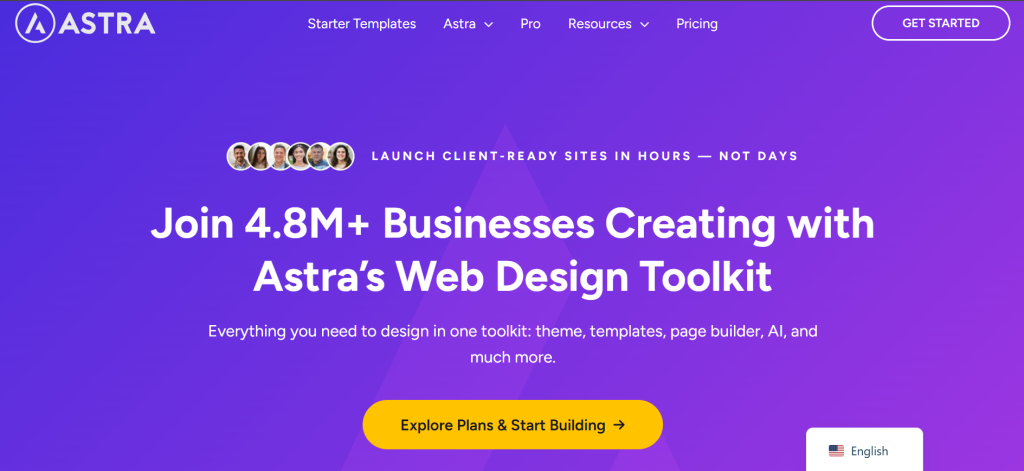
Astra is probably the most widely used WordPress theme right now. It loads under 50KB out of the box, has no jQuery dependency by default, and works with virtually every page builder and ecommerce plugin on the market.
Key features:
- Starter templates covering dozens of ecommerce niches
- Deep WooCommerce integration (cart in header, off-canvas filters, quick view)
- Full Gutenberg and FSE support alongside Elementor and Beaver Builder
- White-label friendly for agency use
Pros:
- Genuinely fast , consistently tops independent benchmarks
- Huge community and documentation library
- Very active development; compatibility updates come out promptly
Cons:
- The free version is limited enough that most serious stores end up needing a paid plan
- The Customizer has so many options that it can feel overwhelming at first
Performance: Excellent. Astra scores well in Core Web Vitals without requiring a stack of optimization plugins.
Best use case: A solid default for almost any ecommerce store. Especially practical for agencies building multiple client stores.
Pricing: Free. Astra Pro starts at $69/year. The Essential Toolkit (which includes premium starter templates and page builder addons) starts at $119/year.
2. Kadence Theme
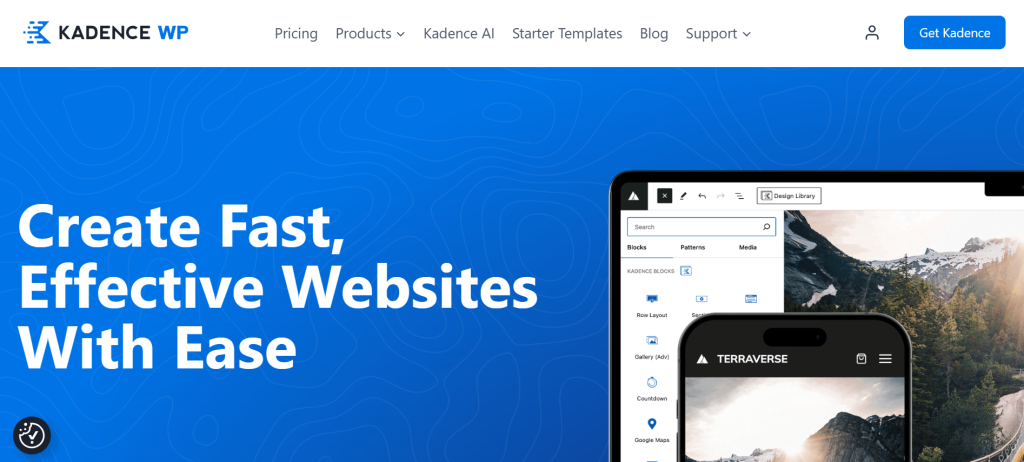
Kadence has found a strong footing among WordPress developers working primarily with the block editor. The free version is genuinely useful, not a stripped-down preview of the paid tier.
Key features:
- Native block editor focus with Kadence Blocks integration
- Global design palette system
- Header/footer builder in the free version
- WooCommerce-ready with dedicated product layout controls
Pros:
- The free version includes features that other themes charge for
- Clean, minimal codebase
- Block-first approach lines up with where WordPress development is heading
Cons:
- Not the ideal fit if you’re committed to Elementor
- Fewer starter templates than Astra
Performance: Excellent. Lightweight and well-optimized.
Best use case: Stores built around the Gutenberg block editor. Developers who want to avoid page builder dependencies.
Pricing: Free. Kadence Theme Pro (now called Theme Kit) starts at $99/year.
3. GeneratePress
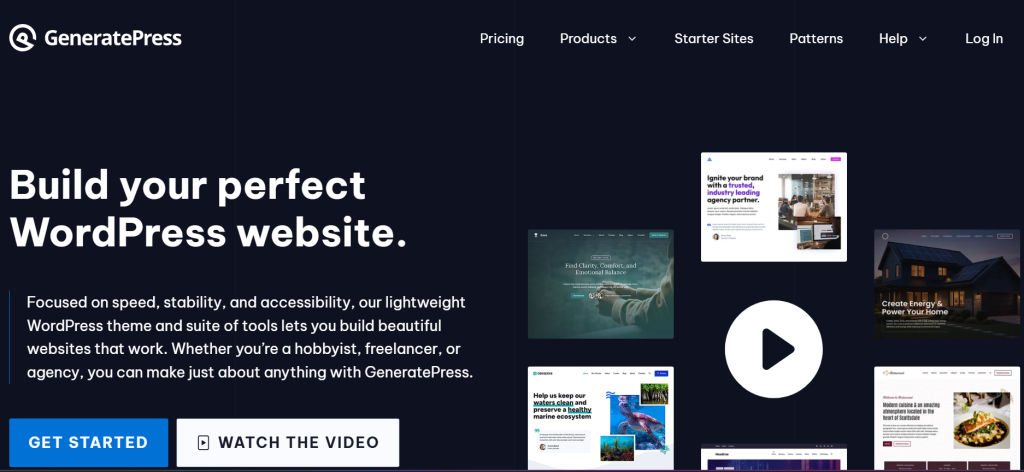
GeneratePress is a theme for people who care about performance above everything else. It’s small, fast, and deliberately has no opinions about design; you bring the decisions; it stays out of the way.
Key features:
- Under 30KB total size
- No jQuery dependency
- Compatible with any page builder
- Site Library with pre-built designs (premium)
Pros:
- Consistently the fastest WordPress theme in independent testing
- Predictable, stable codebase with very few plugin conflicts
- Excellent developer documentation
Cons:
- The free version is extremely minimal, close to a blank canvas
- Less beginner-friendly than Astra or Neve
Performance: Excellent, often the benchmark against which other themes are measured.
Best use case: Developers and technical store owners who want maximum speed control and don’t want a theme to make design decisions on their behalf.
Pricing: Free. GeneratePress Premium is $59/year.
4. OceanWP
OceanWP has been a popular option for years, largely because of how much it packs into the free version. It’s more opinionated than Astra or GeneratePress, which can be a help or a hindrance depending on what you need.
Key features:
- Multiple header styles, sticky header, off-canvas menu
- WooCommerce extensions (product quick view, floating cart)
- Compatible with Elementor, Divi, and Gutenberg
Pros:
- Feature-rich free version
- Good WooCommerce styling out of the box
- Large extension library
Cons:
- Can feel heavy compared to lighter alternatives
- Some features require paid extensions that add up quickly
Performance: Good, but not as fast as Astra or GeneratePress.
Best use case: Stores that want a lot of built-in WooCommerce functionality without writing code.
Pricing: Free. OceanWP eCommerce Pro starts at $49/year (1 site, Store plan).
5. Neve
Neve sits in similar territory to Astra, fast, lightweight, and compatible with most builders. Where it stands out is getting a store up quickly with minimal setup friction.
Key features:
- 100+ starter sites covering ecommerce niches
- AMP compatible
- Header and footer builder in the free version
- Solid WooCommerce layout controls
Pros:
- Very fast setup; the starter sites are genuinely polished
- Good Customizer experience for beginners
- Active development team
Cons:
- Some advanced features are gated behind higher-tier plans
- Less layout flexibility than Astra for complex builds
Performance: Good. Fast enough for most stores without extra optimization overhead.
Best use case: First-time store owners who want to get online quickly with something that looks professional.
Pricing: Free. Neve Pro starts at $69/year.
6. Blocksy
Blocksy is the newest entry on this list to gain serious traction. It’s built with performance and modern design in mind, and the interface is noticeably cleaner than most WordPress themes. Worth a close look if you’re setting up a store in 2026 and don’t want it to look like every other Astra deployment.
Key features:
- Advanced header builder with transparent header support
- WooCommerce wishlist, quick view, and comparison
- Smooth animations that don’t tank performance
- Dark mode support built in
Pros:
- Very polished UI for a relatively young theme
- Good performance, competes with the top free themes
- Fast update cycle
Cons:
- Smaller community than Astra, meaning fewer third-party tutorials when you get stuck
- Some WooCommerce features require Pro
Performance: Very good. Optimized output, minimal render-blocking.
Best use case: Stores that want a modern look with solid performance and something that doesn’t read as a generic WordPress theme.
Pricing: Free. Blocksy Pro starts at $69/year.
7. Hello Elementor
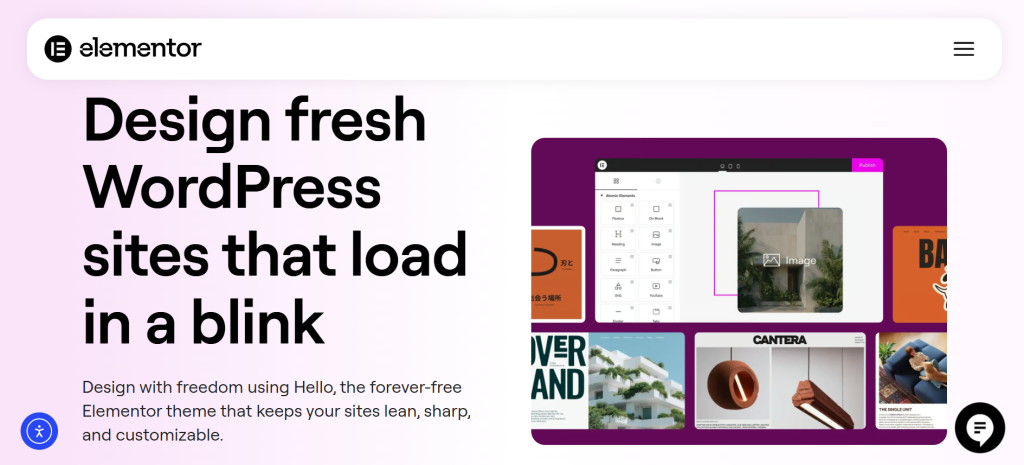
Hello Elementor is Elementor’s own theme, stripped to bare bones so that Elementor handles all the design work. If you’re building your store entirely in Elementor, this is the cleanest foundation.
Key features:
- Minimal code footprint
- Design control is handed entirely to Elementor
- Built and maintained by the Elementor team
Pros:
- Zero conflicts with Elementor (obviously)
- No CSS to fight
- Completely free
Cons:
- Essentially useless without Elementor Pro for ecommerce pages
- No standalone design, you’re building everything from scratch
Performance: Good, assuming you keep your Elementor build lean.
Best use case: Stores built entirely on Elementor Pro with WooCommerce.
Pricing: Free.
8. Storefront
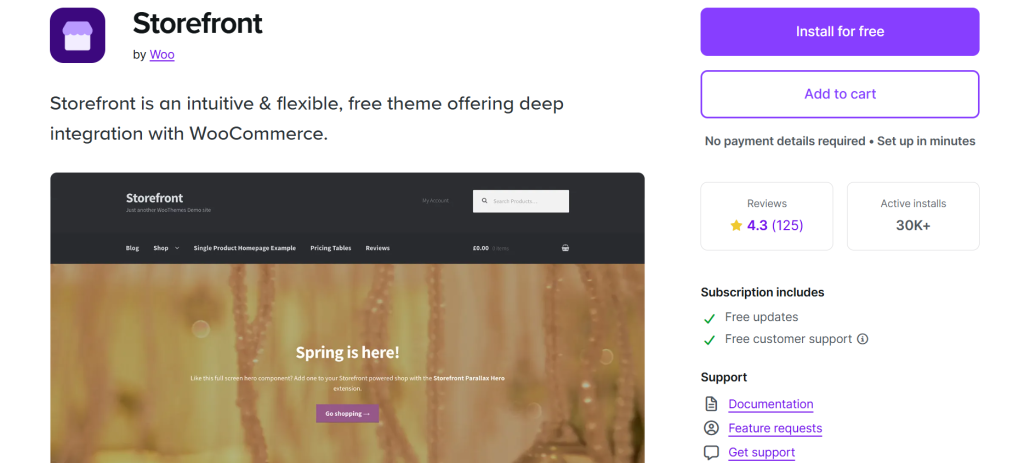
Storefront is WooCommerce’s official theme, maintained by Automattic. It’s not the most exciting design, but the WooCommerce integration goes deeper than any third-party theme can replicate. When WooCommerce ships an update, Storefront is the first theme that works with it correctly.
Key features:
- Built specifically for WooCommerce
- Homepage sections designed for ecommerce
- Child theme ecosystem available
- Updated alongside WooCommerce releases
Pros:
- No compatibility surprises with WooCommerce
- Clean, honest ecommerce design
- Completely free with no upsell pressure
Cons:
- The design looks dated compared to more modern options
- Customization is limited without child themes or additional plugins
Performance: Good for a default theme, though not the fastest available.
Best use case: WooCommerce stores that want guaranteed compatibility and don’t need heavy customization.
Pricing: Free.
9. Flatsome
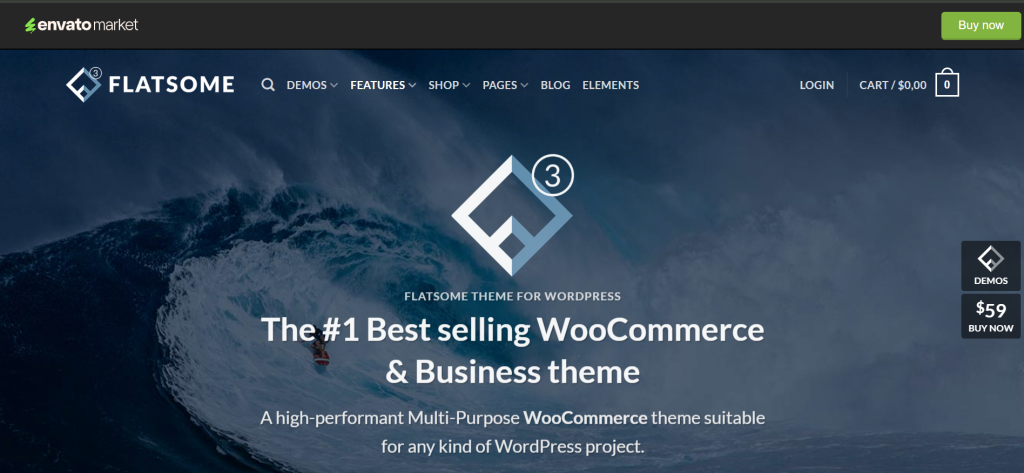
Flatsome is one of the best-selling premium WordPress themes on ThemeForest, and it’s earned that position. It’s built for ecommerce specifically, and the design decisions reflect that throughout, the product page builder, the mega menu behavior, and the checkout layouts.
Key features:
- UX Builder (proprietary drag-and-drop, fast and clean output)
- Dedicated WooCommerce product page builder
- Mega menu, off-canvas menu, sticky header
- Large library of pre-built ecommerce layouts
Pros:
- Ecommerce-first thinking throughout, not just skinned on top
- One-time pricing with no annual renewal required
- Very active support and update history
Cons:
- You’re tied to the UX Builder; switching themes later means rebuilding layouts
- Higher learning curve than free themes
Performance: Very good. The UX Builder outputs cleaner code than most visual builders.
Best use case: Fashion, lifestyle, or design-heavy stores that want premium layouts without an ongoing subscription.
Pricing: $59 one-time on ThemeForest, including 6 months of support.
10. WoodMart
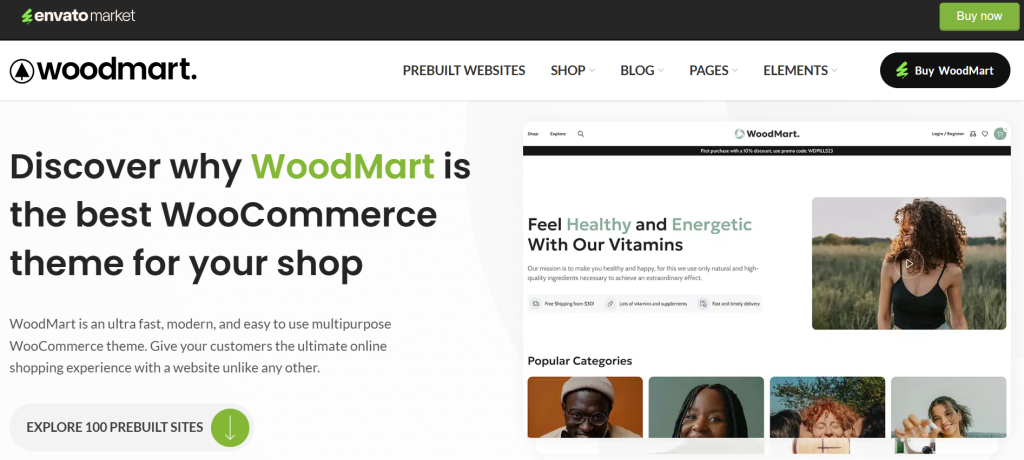
WoodMart is built for stores with large product catalogs. The filtering, sorting, and browsing experience is designed for volume, stores with hundreds of products spread across multiple categories, where customers need to actually find things.
Key features:
- Ajax product filters without page reload
- Wishlist, product comparison, 360° product view
- Multi-vendor marketplace support
- WPML-compatible for multilingual stores
Pros:
- Handles large catalogs better than most themes
- Extensive demo library across furniture, electronics, fashion, and more
- Good performance given the feature depth
Cons:
- Overkill for small stores
- Initial setup takes real time
Performance: Good. Feature-heavy but reasonably optimized.
Best use case: Stores with 100+ products, complex category structures, or multi-vendor setups.
Pricing: $59 one-time on ThemeForest.
11. Shopkeeper
Shopkeeper takes a cleaner, more editorial approach to ecommerce design. It works well for stores where brand identity matters as much as product functionality, boutique clothing, artisan goods, and small-batch products.
Key features:
- Full-width and boxed layout options
- Portfolio and shop combination support
- Clean product detail page layouts
- Good typography system
Pros:
- Looks polished without heavy customization
- Works well when visual identity is itself the selling point
- Reliable update history
Cons:
- Less layout flexibility than Flatsome
- Support quality has received mixed reviews
Performance: Good, not top-tier.
Best use case: Boutique physical product stores where brand presentation matters as much as conversion optimization.
Pricing: $60 one-time on ThemeForest.
12. Porto
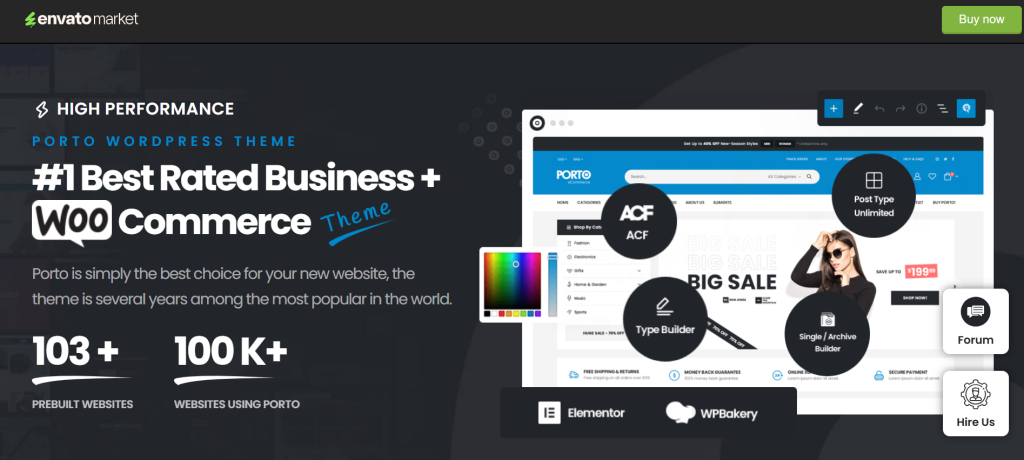
Porto has been around for years and accumulated a massive demo library, 80+ at last count, covering fashion, electronics, furniture, food, and more. If you want a ready-made starting point for almost any niche, Porto probably has something close.
Key features:
- 80+ pre-built demo sites
- Elementor and WPBakery compatibility
- Extended WooCommerce features (quick view, ajax cart, wishlist)
- RTL language support
Pros:
- Huge demo library covering almost any store type
- Flexibility to handle most niches
- Good ongoing update history
Cons:
- The breadth of options makes it harder to know where to start
- Feature density can affect load times if the configuration isn’t done carefully
Performance: Good, but needs attention during setup.
Best use case: Agencies building stores across multiple niches who want one theme to cover everything.
Pricing: $59 one-time on ThemeForest.
13. Divi
Divi is polarizing. Its advocates love the all-in-one visual builder and the lifetime license. Its critics point to heavy code output and performance that takes real work to get right. Both camps have valid points; which one matters more depends entirely on what you’re building.
Key features:
- Divi Builder, a mature, feature-rich visual editor
- 800+ premade layouts
- A/B testing built in
- WooCommerce builder modules
Pros:
- Everything in one place: theme, builder, and templates
- Very large community with extensive tutorials and third-party resources
- A lifetime license is available at $249, unusual for a theme of this scale
Cons:
- Performance needs significant configuration to compete with lighter themes
- Migrating away from Divi later is genuinely painful
- Code output is heavy
Performance: Moderate out of the box. Needs optimization.
Best use case: Stores where design flexibility and visual editing take priority, and performance can be addressed separately.
Pricing: $89/year (Divi Yearly, includes theme + all plugins). $277/year for Divi Pro (adds Divi AI, Cloud storage, and VIP support). Lifetime access is also available: $249 one-time for Divi, $297 for Divi Pro.
14. Sydney
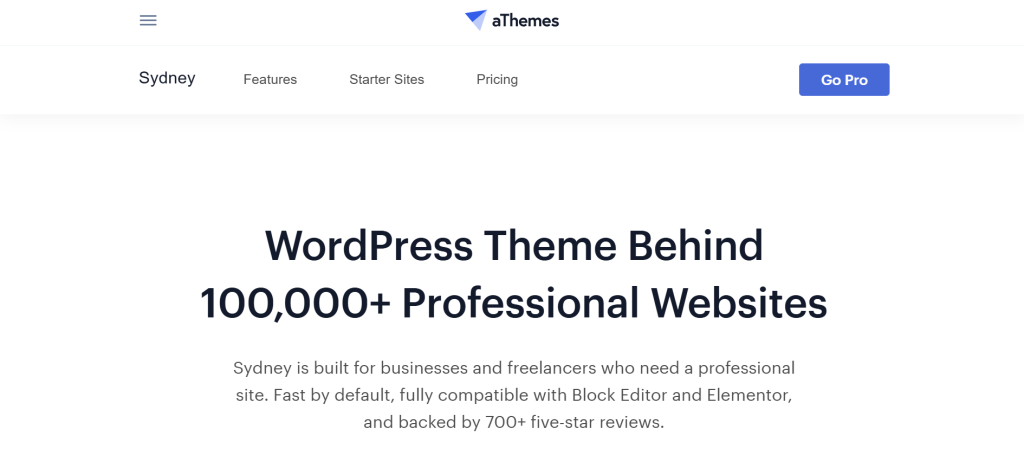
Sydney handles a combination that most themes don’t do well: service pages and a product store under one roof. If you’re a consultant, agency, or creator who also sells products, Sydney manages both without the visual friction you get from forcing a pure ecommerce theme to carry brand content.
Key features:
- Front-page section builder
- WooCommerce compatible
- Good portfolio and team page support
- Google Fonts integration
Pros:
- Handles service + commerce combinations cleanly
- The free version is genuinely usable
- Good design quality for a free theme
Cons:
- Not ideal for large catalogs
- Less ecommerce-specific than dedicated shop themes
Performance: Good. No major bloat.
Best use case: Creators, consultants, or service businesses that sell a handful of products alongside their main offering.
Pricing: Free. Sydney Pro starts at $69/year.
15. Hestia
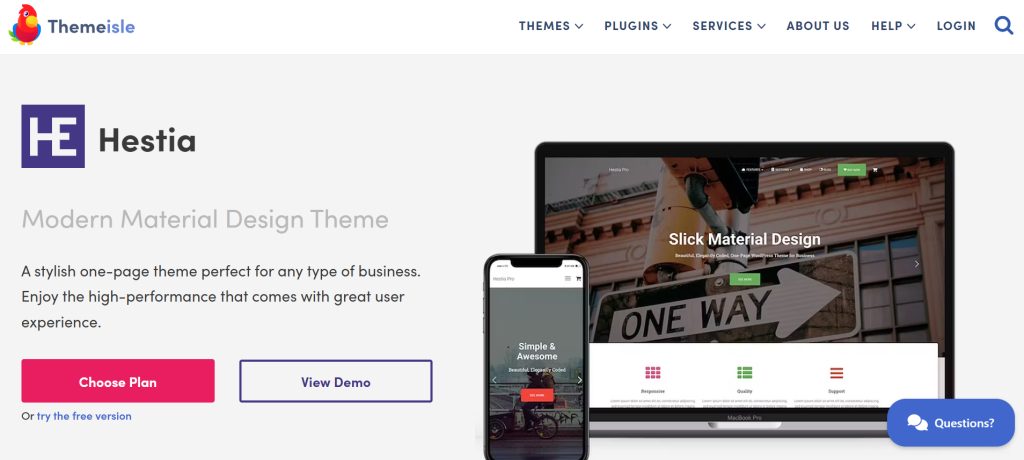
Hestia follows a one-page design philosophy, with everything accessible from a single scrollable page. It works better than you’d expect for small product ranges, single-product launches, and creator stores where the brand story and the product are inseparable.
Key features:
- Material Design aesthetic
- WooCommerce ready
- Elementor compatible
- Portfolio and testimonials sections
Pros:
- Clean, modern look out of the box
- Works well for focused, small-range stores
- Good starter template quality
Cons:
- One-page structure limits SEO for multi-product stores
- Not suitable for large catalogs
Performance: Good.
Best use case: Single-product stores, product launches, or creator stores where brand storytelling leads and products follow.
Pricing: Free. Hestia Pro starts at $99/year.
The Link Between Your Ecommerce Platform and Theme
Most store owners spend hours choosing a theme and about fifteen minutes evaluating their ecommerce platform. That’s backwards, and it creates problems that no theme swap will fix.
Your theme is the design layer. Layout, typography, visual hierarchy. Your ecommerce platform is the functionality layer, including how carts work, how checkout is structured, and how orders and subscriptions are processed. These two layers interact constantly. When they don’t cooperate, the symptoms show up in inconvenient places: a beautiful homepage with a broken cart page. A fast product grid with a checkout that stalls on mobile. A custom header that disappears on the order confirmation screen.
The Hidden Costs of Traditional Setups
Some ecommerce platforms are deeply opinionated about how their pages look. They inject their own scripts, load their own stylesheets, and take ownership of certain page templates. That’s not inherently wrong, but it creates friction when your theme has different ideas about the same page.
Heavier platforms can also add meaningful load time to pages that should be fast. If your checkout page fires four third-party scripts before it becomes interactive, no amount of theme optimization will fully compensate for that.
A More Flexible Approach
This is where the architecture of your ecommerce platform matters as much as the theme itself. Some platforms are built to sit cleanly alongside WordPress – their checkout and cart flows work independently, without wrestling your theme for control of the page layout.
SureCart is one example. It runs as a separate layer from your WordPress theme, so the checkout experience is handled consistently regardless of which theme you’ve chosen. You can pick a lightweight, performance-optimized theme for your store pages without worrying that WooCommerce template conflicts will undo the work. You can also swap themes later without rebuilding your ecommerce setup from scratch.
For stores selling digital products, subscriptions, or running a hybrid of content and commerce, this separation matters a lot. The checkout and the brand design stop competing with each other.
You don’t need to choose a theme around ecommerce limitations anymore – choose the theme that serves your brand, and let the platform handle the commerce layer.
Common Mistakes When Choosing a Theme
Choosing design over performance. A theme that looks great in a demo but scores 40 on PageSpeed Insights will cost you traffic and conversions. Check independent speed benchmarks, not the theme’s own marketing page.
Ignoring mobile UX. Resizing your browser isn’t the same as testing on an actual phone. Open the theme on a real device before you commit. Check button sizes, font readability, and whether the add-to-cart button is actually thumb-friendly.
Installing the full plugin ecosystem. Themes often recommend their own plugin stack, builders, sliders, and forms. Every plugin adds weight. Ask whether you actually need each one before it goes in.
Not thinking about switching costs. Changing themes later is painful when you’ve built heavily with a proprietary page builder. If you build product pages with the Flatsome UX Builder and later want to move to Astra, those layouts need to be rebuilt. Using Gutenberg blocks for your page content keeps options open.
Falling for demo site performance. Demo sites are optimized for the demo. Minimal content, carefully selected images, and a tight plugin list. Your production site has more variables. Build for your actual reality.
Final Thoughts
There’s no universally best ecommerce WordPress theme, just the right one for your store, your traffic, and your technical setup.
For performance-first stores, Astra, GeneratePress, and Kadence are hard to argue against. For large catalogs that need filtering and layout depth, WoodMart and Flatsome have earned their reputations. For getting something professional live quickly, Neve and Blocksy are hard to beat.
What doesn’t change regardless of theme: your ecommerce platform still matters. The fastest theme in the world won’t save a bloated, conflict-prone checkout. Get the platform layer right, then make the design work on top of it.
FAQs
What is the fastest ecommerce WordPress theme? GeneratePress consistently tops independent benchmarks, followed closely by Astra and Kadence. All three come in under 50KB and avoid render-blocking scripts. For ecommerce specifically, Astra’s WooCommerce integration makes it the most practical choice among the fast options.
Can I use any WordPress theme with ecommerce plugins? Technically, yes, but some integrate far better than others. Themes built with WooCommerce in mind will have proper styling for cart pages, product grids, and checkout layouts. Using a generic blog theme with WooCommerce usually produces unstyled or awkward pages that need significant work to fix.
Do I need a paid theme for a professional-looking store? No. Astra, Kadence, and Blocksy all have free versions capable of producing professional results. The case for paid themes is usually ongoing support, advanced layout options, and better starter templates, not design quality alone.
Are free themes from WordPress.org safe? Yes, generally. WordPress.org reviews themes for security issues and coding standards. That said, “safe” and “well-maintained” aren’t the same thing. Check the last update date before using any free theme; one that hasn’t been touched in two years may have compatibility issues with current WordPress or WooCommerce versions.
Which theme is best for beginners? Neve and Astra are both beginner-friendly, with polished starter templates and manageable Customizer setups. Neve’s starter sites deploy quickly for common store types. Astra has a larger documentation library, which helps when you get stuck.
Can I switch themes later without breaking my store? Yes, with caveats. Content stored in the WordPress database, posts, pages, products, orders, survives a theme change. What doesn’t survive cleanly: layouts built with a proprietary page builder that came bundled with your theme. Using Gutenberg blocks for page content keeps your switching options open.