The best WordPress ecommerce plugin is one that covers what your store actually needs: quick to set up, easy to manage day-to-day, revenue tools included from the start, and a total cost that stays predictable without climbing every time you need a new feature. That combination is harder to find than it should be.
Most store owners default to the plugin with the most name recognition. This guide does not rank by name recognition. It ranks by how well each plugin fits the criteria that actually matter for running a real store, starting with the one that covers all of them. Honest pricing and drawbacks are included for each.
What “best” actually means for your store
Ask ten store owners what best means and you will get ten answers. So here is the lens this guide uses: the things people actually want from a WordPress ecommerce plugin once they are running a real store.
- Fast, simple setup. Live in a day, not a three-week build project.
- Less day-to-day headache. Fewer moving parts that can break or conflict with each other.
- Easy to manage in little time. You run it between everything else you already do.
- A system you can trust. Secure and stable, and it does not fall over when something updates.
- Revenue tools built in. Upsells, order bumps, cart recovery, and smart pricing without buying a separate plugin for each.
- Lower total cost. What you actually pay once the store is competitive, not just the sticker price on day one.
- Freedom to sell any product type. Digital, physical, and subscriptions from one plugin, without bolting on an add-on for each.
That is honestly all most people want.
A plugin that covers most of these for your situation is the best WordPress ecommerce plugin for you. The rest of this guide scores each option against that list.
The best WordPress ecommerce plugins for 2026
The order below reflects how well each plugin meets the criteria above for a typical store that wants revenue tools with minimal overhead. It is not a popularity ranking. Keep in mind that the right pick still depends on what you sell, so each plugin has a clear note on who it suits best.
SureCart: all-in-one with built-in revenue tools and the least overhead
Why it tops the list
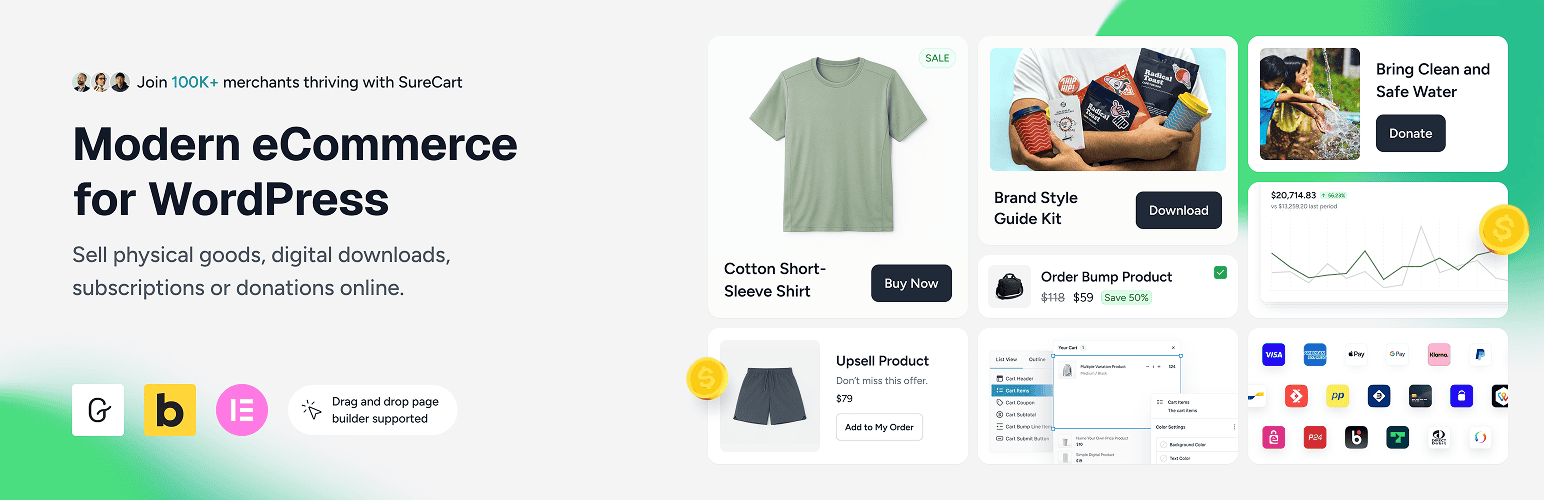
SureCart takes the top spot because it covers more of the checklist above than anything else here, all in one plugin. Your product and checkout pages render as normal WordPress pages, while checkout, payments, and subscriptions run on SureCart’s cloud, which keeps your site fast and light no matter how busy the store gets.
The part that earns it first place is what comes included. Cart abandonment recovery, order bumps, upsells, and rule-based dynamic pricing (automatic discounts based on rules you set, like a first-time buyer or a cart total) are part of every plan, including the free one. On most other plugins, those are paid add-ons you buy separately.
You can sell digital downloads, physical products with inventory and variants, and subscriptions from the same place, and customers get a clean self-service area to download files, manage a subscription, update a card, and pull invoices. SureCart also comes from Brainstorm Force, the team behind the Astra theme, so it sits in a well-supported ecosystem.
Drawbacks
It is newer than WooCommerce, so the community around it is smaller and there are fewer third-party add-ons and tutorials to lean on. It covers the major global payment networks, including Stripe, PayPal, Mollie, and Razorpay, but does not match WooCommerce’s extensive library of payment extensions. If your market relies on a regional gateway not yet on SureCart’s supported list, that is worth checking before you commit.
Pricing
The free Launch plan includes every feature and carries a 2.9% fee per sale. Paid plans start at $199 per year for one store and remove that fee, with lifetime pricing from $699. You can see the full breakdown on the SureCart pricing page.
Pro Tip: Start on the free Launch plan and build a real checkout before paying anything. You only need a paid plan to drop the 2.9% per-sale fee, so wait until your sales make that math worth it.
FluentCart: a new self-hosted option with many built-in features
Why it ranks second
FluentCart ranks second because, like the top pick, it bundles many of the core revenue tools and charges no platform fees, which fits the low-overhead brief better than a plugin that you extend one add-on at a time.
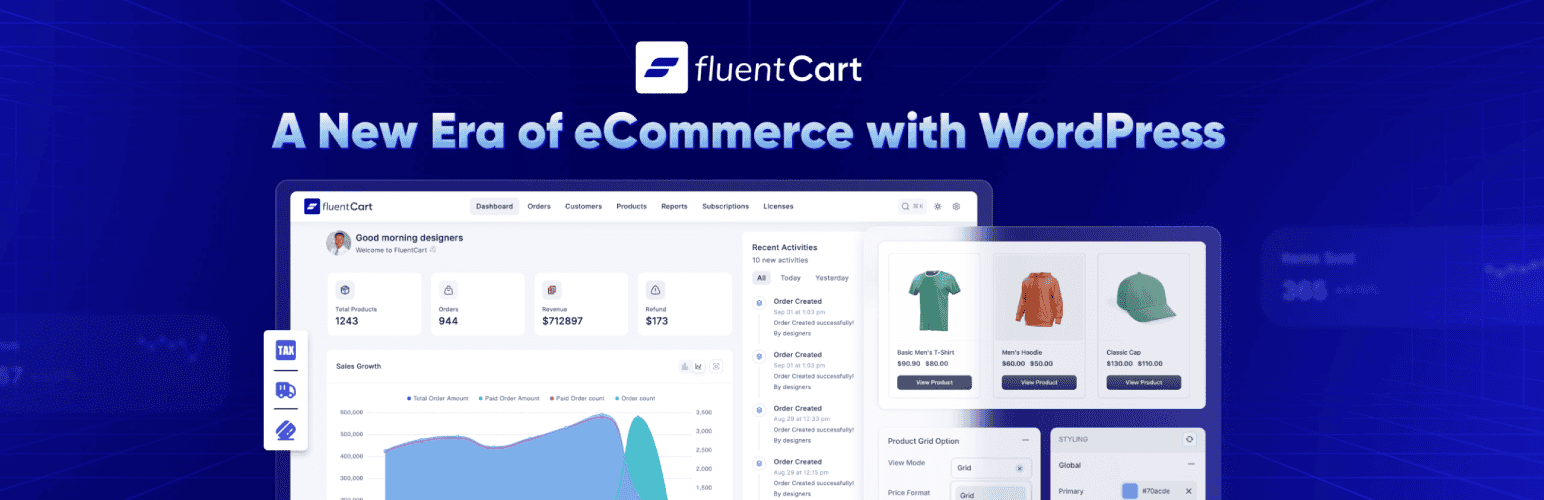
FluentCart’s admin is its own custom single-page app rather than the standard WordPress screens that other plugins extend. Moving between its different admin screens is instant, with no page reloads, so running the store feels closer to a modern app than the usual click-and-wait WordPress admin.
You can sell physical goods, digital products, subscriptions, and software licenses from one plugin, with order bumps, upsells, and licensing included rather than sold as separate add-ons.
Drawbacks
FluentCart covers most of what a store needs, but its main limitation is that it is self-hosted. The cart, checkout, and payment processing all run on your own server, and those are dynamic jobs that cannot be cached like an ordinary page. So as traffic and orders grow, that load lands on your hosting, and keeping checkout fast during busy spells means paying for a stronger hosting plan. A headless option like SureCart runs that processing in its own cloud instead, so your site stays light and can handle spikes on leaner, cheaper hosting.
It is also genuinely new, so its track record is short and its ecosystem of add-ons is still maturing.
Not every revenue tool is built in: cart abandonment recovery relies on FluentCRM (a separate plugin from the same team), and dynamic pricing rules are still being developed.
Pricing
FluentCart has a free version on the WordPress.org repository that covers the basics. The catch is that several features you would want for a real store are reserved for the paid licenses: software licensing, installment payments, prorated subscription billing, team user roles, and analytics history beyond the last 30 days. For most stores past the early stage, at least a few of those become things you genuinely need, so a paid license ends up being the realistic choice.
Paid licenses are priced by the number of sites you run rather than by a tier called “Pro.” A single-site license is $199 per year, with a one-time lifetime option from $249 during the current launch offer, and every paid license includes the same full feature set.
WooCommerce: most flexible and most popular, with the biggest ecosystem

Why it ranks third
WooCommerce lands in third because it is the most capable plugin here in raw terms, just not the simplest or the cheapest to run. Its real strength is flexibility: because it is open source with thousands of extensions and themes, you can shape it into almost any kind of store, whether that is a membership site, a booking system, a wholesale shop, or a multi-vendor marketplace.
It connects to nearly every payment gateway, shipping provider, and marketing tool, and if an extension does not exist for what you need, a developer can build one. That range is why it powers such a large share of online stores and scales from a tiny side project up to high-traffic shops.
Drawbacks
Its strength is also where the cost hides. Many features people treat as standard are paid extensions: recurring billing means buying WooCommerce Subscriptions at $279 per year, and cart recovery, upsells, and product add-ons are separate purchases, often $79 per year and up each. By the time a real store has what it needs, the bill commonly lands between $500 and $1,200 a year before hosting.
More extensions also means more to maintain, since each comes from a different developer, so updates can clash and a plugin-heavy store needs more tuning to stay fast.
It is also self-hosted, so the checkout runs on your own server, which can push hosting costs higher than a headless option like SureCart that handles checkout in the cloud. None of this makes WooCommerce a poor choice; it is the right one when you genuinely need that flexibility.
Pricing
The core plugin is free, but a competitive store will realistically need a budget for paid extensions and hosting on top of that.
If you want to see a detailed breakdown of total cost and day-to-day management between SureCart and WooCommerce, the SureCart vs WooCommerce comparison covers it well.
Easy Digital Downloads: for pure digital products and licensing
Why it ranks fourth
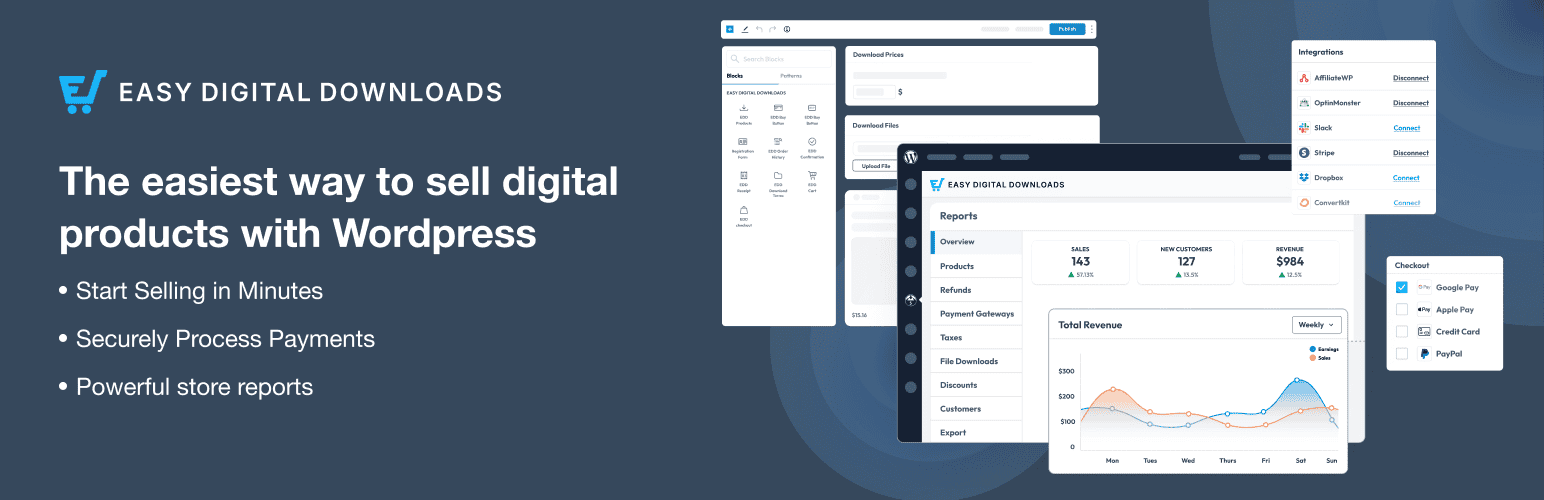
Easy Digital Downloads, usually shortened to EDD, ranks fourth as the specialist for digital products. It is built for one job: selling downloads like ebooks, design files, software, and license keys, with no physical-store clutter and solid file protection and secure delivery. If you are a creator selling files or a developer selling plugins and licenses, it fits naturally, and it supports a wide range of payment gateways, more than most plugins offer out of the box.
Drawbacks
The trade-off is that focus. Selling physical products needs a separate shipping extension, so a real mix of physical and digital is simpler elsewhere.
The default checkout has no built-in customization options for branding, layout, or design. Getting a checkout that matches your brand requires custom CSS or development work, which adds cost.
Pricing
EDD structures its pricing around what it calls “passes,” which are essentially annual plans. These are introductory rates that renew at full price.
The Personal pass is around $99.50 per year for one site, the Extended pass around $199.50 adds recurring payments and every gateway, the Professional pass around $299.50 adds software licensing and marketplace tools across two sites, and the All Access pass around $499.50 includes every extension.
One thing to know: the free core version adds a 3% fee on top of Stripe’s standard processing fees until you hold a paid pass.
Ecwid by Lightspeed: for selling across your site, social, and marketplaces

Why it ranks fifth
Ecwid ranks fifth because it solves a narrower problem very well. Rather than being a native WordPress plugin, it is an embeddable store you add to WordPress, and to Instagram, Facebook, Amazon, eBay, or even a different website, all managed from one dashboard. If you sell in more places than just your site, that single backend is the appeal, it is quick to launch, and it charges no platform transaction fee on any plan.
Drawbacks
Ecwid is a hosted store you embed into WordPress, not a plugin built into it. Your products, cart, and checkout are served from Ecwid’s own platform and displayed inside your page, instead of living as native WordPress content. So you get less control over how your store pages look and are structured, and less control over SEO, since search engines see Ecwid-rendered pages rather than native WordPress ones.
The plans get limiting at the lower end, too. The cheaper tiers cap how many products you can list (the entry Starter plan tops out at 10), and tools like abandoned-cart recovery only show up on the pricier tiers. It is also a separate monthly subscription on top of your site, and because your store data lives on Ecwid’s servers, switching to another platform later means migrating out rather than simply swapping a plugin.
Pricing
Ecwid no longer offers a free plan. Its cheapest tier is the Starter plan at about $5 per month for up to 10 products, and the main selling tiers run from about $29 per month for Venture up to about $119 per month for Unlimited, rising with the features and product limits you need.
WP Simple Pay: for simple payments without a full store
Why it ranks sixth
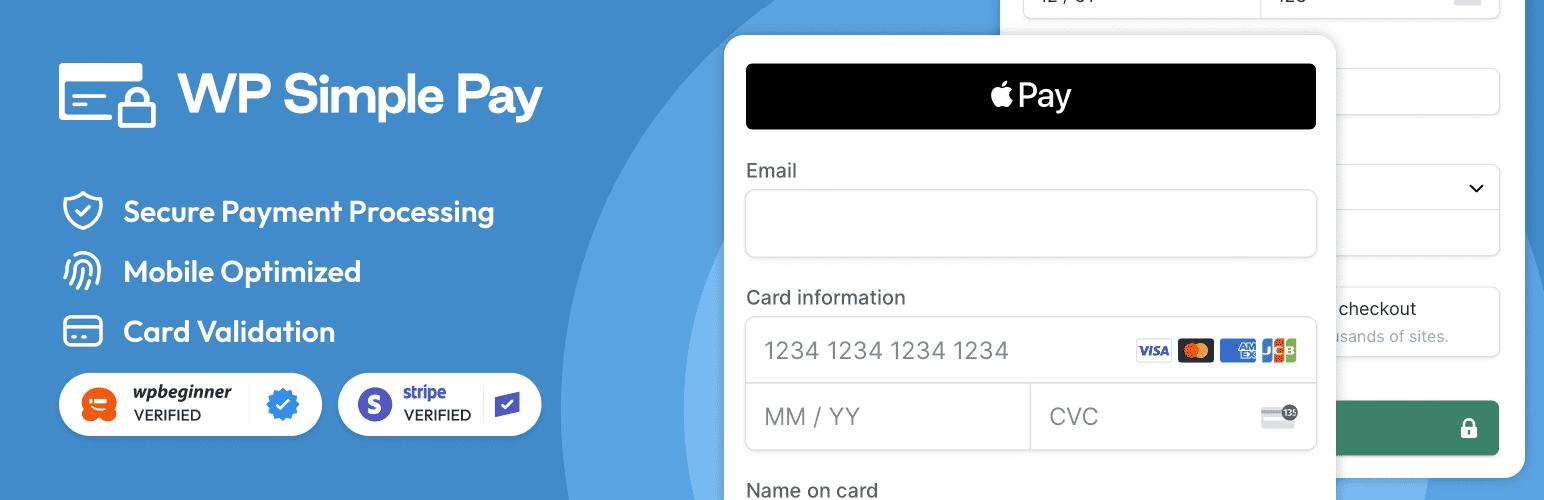
WP Simple Pay ranks last only because it is not a full-fledged store, not because it is weak at what it does. It adds Stripe payment forms to WordPress for one-off payments, donations, and simple subscriptions, with no cart and no product catalog, just a clean way to take money on your site.
Drawbacks
That focus is also the limit. There is no real product management, it works with Stripe only, and you will outgrow it the moment you need an actual store with a catalog and a cart. But if you just need to collect a payment for one service or accept donations, a full ecommerce plugin is more than you need.
Pricing
WP Simple Pay’s paid plans start at $49.50 per year for a single site (an introductory rate), with higher tiers for more sites and extras like installment plans and additional payment methods.
Quick comparison of the best WordPress ecommerce plugins
If you only read one part of this guide, make it this. Here is how the six plugins line up on the things that matter, side by side.
Plugin | Setup | Revenue tools built in | Product types | Starting price | Best for |
|---|---|---|---|---|---|
SureCart | Fast | Yes, on every plan (cart recovery, upsells, dynamic pricing) | Digital, physical, subscriptions, licenses, donations | Free core plugin with 2.9% transaction fee. Paid plan starts from $199/yr | An all-in-one store with revenue tools built in |
FluentCart | Fast | Not all; Cart recovery via FluentCRM, and no native Dynamic Pricing | Digital, physical, subscriptions, licenses | From $199/yr (or $249 lifetime) | A self-hosted store with custom admin UI |
WooCommerce | Moderate | Through paid extensions | Digital, physical, subscriptions (add-ons) | Free core; extensions $500 to $1,200/yr typical | Maximum flexibility and the largest ecosystem |
Easy Digital Downloads | Fast | Bundled into paid plans | Digital first (physical via add-on) | Free core plugin with 3% transaction fee. Paid plan starts from $99.50 | Pure digital products and licensing |
Ecwid by Lightspeed | Fast | Cart recovery on higher tiers | Digital, physical | From about $5/mo (no free plan) | Selling across social and marketplaces |
WP Simple Pay | Fast | No (payments only) | Payments, not a product catalog | From $49.50/yr | Simple payments without a full store |
So which is the best WordPress ecommerce plugin for you?
Start with the checklist: fast setup, low hassle, easy to manage, dependable, revenue tools built in, a predictable cost, and the freedom to sell anything. That is what decides the ranking above.
No single plugin owns all of it. FluentCart does a lot, but being self-hosted, a busy store can run slower, making buyers drift away, and you need another plugin for a basic feature like cart abandonment recovery. WooCommerce is the most flexible, but you pay for that in add-ons and upkeep. EDD is excellent for digital products, and only those. Ecwid works well across social and marketplaces, but it sits on top of WordPress rather than inside it.
Each of those is a great fit for one kind of ecommerce platform, with a clear trade-off attached.
SureCart is the option that tends to check every box at once. It sets up fast, the cloud-processed checkout keeps your site quick and stable, and the revenue tools (cart recovery, order bumps, upsells, and dynamic pricing) are built into every plan, so your cost stays flat instead of climbing with each add-on. Digital, physical, and subscriptions all live in the same place.
So the honest answer is the one you started with: the best WordPress ecommerce plugin is the one that fits how you want to run your store. If you have one strong need, pick the specialist that owns it. If you want the whole checklist without bolting plugins together, the free SureCart Launch plan is the easiest way to try it, with no payment needed to build a real store and checkout.